
Role
UI/UX Designer
Duration
6 Months
Industry
Healthcare · FemTech
Team
Nidhi Agarwal · Srishti Tiwary
Period is a concept for a menstrual health app designed around a simple question: what if period tracking helped people understand their cycle instead of simply recording it?
Problem Statement
Period tracking apps make it easy to record data. But recording information doesn't always mean understanding it. I wanted to explore where existing experiences were falling short and how a new product could make tracking feel clearer, more useful, and more personal.
The question this project started with: why hasn't the category solved this?
Ineffective Cycle Tracking
Most apps treat cycle tracking as a passive log recording data without actively helping users understand or anticipate it. Inaccurate predictions and unreliable reminders leave users without the timely information they need to manage their health proactively.
Privacy and sharing concerns
Women are reluctant to share sensitive menstrual health data with healthcare providers, partners, or family because existing apps offer no safe, controlled mechanism to do so. The absence of trustworthy sharing features leaves users isolated precisely when connectivity would benefit them most.
Complex Interface & Limited Data Sharing Options
The Approach
The design goal was a menstrual health companion that felt personal, not clinical one that could grow with each user's unique cycle patterns while removing every barrier between a woman and the care she needs.
Personalized Tracking & Resources
Smart, context-aware reminders for cycle tracking, hydration, and mindfulness paired with curated educational content enable users to move from reactive to proactive health management. The system learns from logged data to improve prediction accuracy over time.
Accessible Consultations & Secure Data Sharing
In-app doctor consultations remove the discomfort of in-person conversations about sensitive health topics. A controlled data-sharing mechanism lets users choose exactly what to share and with whom giving them agency over their own health records.
Simplified Design with Essential Features
A clean, task-forward interface that eliminates cognitive overhead. Core actions like logging, viewing predictions, booking a consultation are reachable within two taps. Every feature included earned its place through direct user research; nothing was added speculatively.
Project Goals

Accurate
Cycle Tracking

Accessible
Healthcare Consultation

secure
Data Sharing

Simplified
User Experience
The Roadmap
We sequenced the work around user impact, starting with understanding the existing experience before defining what the product actually needed.

Design Process
The design process consists of five stages, aimed at enhancing usability and accessibility while prioritizing the user's perspective to ensure the product aligns with their needs and goals.
Competitor Analysis, SWOT Analysis, Survey, Personal Interviews, and Gathering Insights
Empathize
Competitor Analysis
With a user-centric approach, feature gaps and usability improvements were identified through brainstorming. Google Play Store reviews highlighted issues such as irregular reminders and a confusing interface.
Most products were good at recording information. The bigger opportunity was helping users understand what that information meant.

SWOT Analysis
A SWOT analysis was conducted to translate external market observations into internal product implications. This shaped the feature prioritisation decisions made later in the Ideate phase. It also surfaced the sensitivity of the data we'd be handling as a strategic risk, which directly influenced the privacy-first approach embedded throughout the design.

Survey
We started with a survey to understand how people currently track their periods, what they struggle with, and what they expect from these apps.


Personal Interviews
User interviews were conducted via telephone and WhatsApp with individuals from diverse age groups, locations, professions.
The protocol was structured in three phases — introductory, problem-based, and feature-based to move participants naturally from general context-setting into specific pain point articulation, and finally into need-based feature discussion. This sequencing prevented leading participants toward solutions before their problems were fully understood. Some of the key questions included:
INTRODUCTION
What is your age?
How does your typical day look?
What are your technology habits? How familiar are you with apps?
What do you prefer more — apps or websites? And why?
PROBLEM BASED
Are your periods regular?
Do you forget to carry sanitary pads?
Could you explain in detail what problems you face during periods, if any?
Have you or someone you know ever experienced any unexpected or unusual period-related incidents?
Do you find period tracker applications helpful? Why or why not?
FEATURE BASED
Do you visit a gynaecologist regularly?
Do you think period tracker applications would be helpful for you? Why or why not?
Do you feel uncomfortable while discussing periods in public?
Do you experience mood swings during your period?
Have you ever used a period tracking app before? If not, would you prefer using one?
Would you prefer consulting a doctor online through an app? What’s your take on it?
Gathering Insights
3 themes appeared consistently across age groups, geographies, and digital literacy levels:
Trust in predictions is emotional, not just functional: When an app predicts wrong, users don't just find it inconvenient they feel anxious and unsupported. This became a non-negotiable design constraint: predictions must always explain how they were calculated.
Privacy blocks care: Women want to share health data with partners and doctors but won't unless the sharing is controlled and reversible. The absence of a trusted sharing mechanism was the most common reason users had abandoned previous apps.
Data without interpretation is noise: Logging works. Making sense of logged data is where every existing app falls short. Users could see their history they couldn't act on it.

Empathy Mapping
An empathy map was built by synthesising interview notes across all participants categorising what users said, thought, did, and felt in relation to their current period tracking behaviour. The most revealing quadrant was "Feel" — participants consistently described a sense of anxiety and helplessness when their cycle deviated from app predictions, suggesting that the emotional stakes of inaccuracy extended well beyond mere inconvenience. This insight became a non-negotiable design constraint: predictions must always be paired with transparent explanations of how they were calculated.

User Personas
Three personas were developed from the research synthesis primary, secondary, and tertiary. The personas were used actively throughout ideation to pressure-test design decisions: if a proposed solution didn't serve at least two of the three personas, it was reconsidered.


Pain Points
Six specific pain points emerged as the highest-frequency, highest- severity findings across both the survey and interviews. Each was validated by multiple participants and directly maps to a design response in the Ideate phase.
The user experiences irregular periods and feels uncomfortable discussing them, even with a doctor. However, she prefers consulting a doctor online from the comfort of her home.
User is frustrated because of getting irregular reminders for carrying/buying pads and drinking water.
The user is introverted and feels uneasy discussing periods face-to-face but seeks treatment for her concerns.
User is facing problem in using application where interpreting the cycle history was difficult and there was no option of sharing the records with doctor or the partner.
The lack of a Partner’s Link feature prevents users' partners from accessing the account on their own devices.
Users couldn't log symptoms such as cramps, heavy flow, and other cycle-related experiences.
Brainstorming
With the problem space clearly defined, the team ran structured ideation sessions across 3–4 virtual weekly meetings. Sessions were facilitated using "How Might We" prompts derived directly from the six pain points identified in the Define phase ensuring that every idea generated was anchored to a real user need rather than feature speculation.

Information Architecture
The IA was structured around two primary user journeys tracking and care-seeking which research had identified as the app's two most critical interaction modes.

Lo-Fi Wireframes
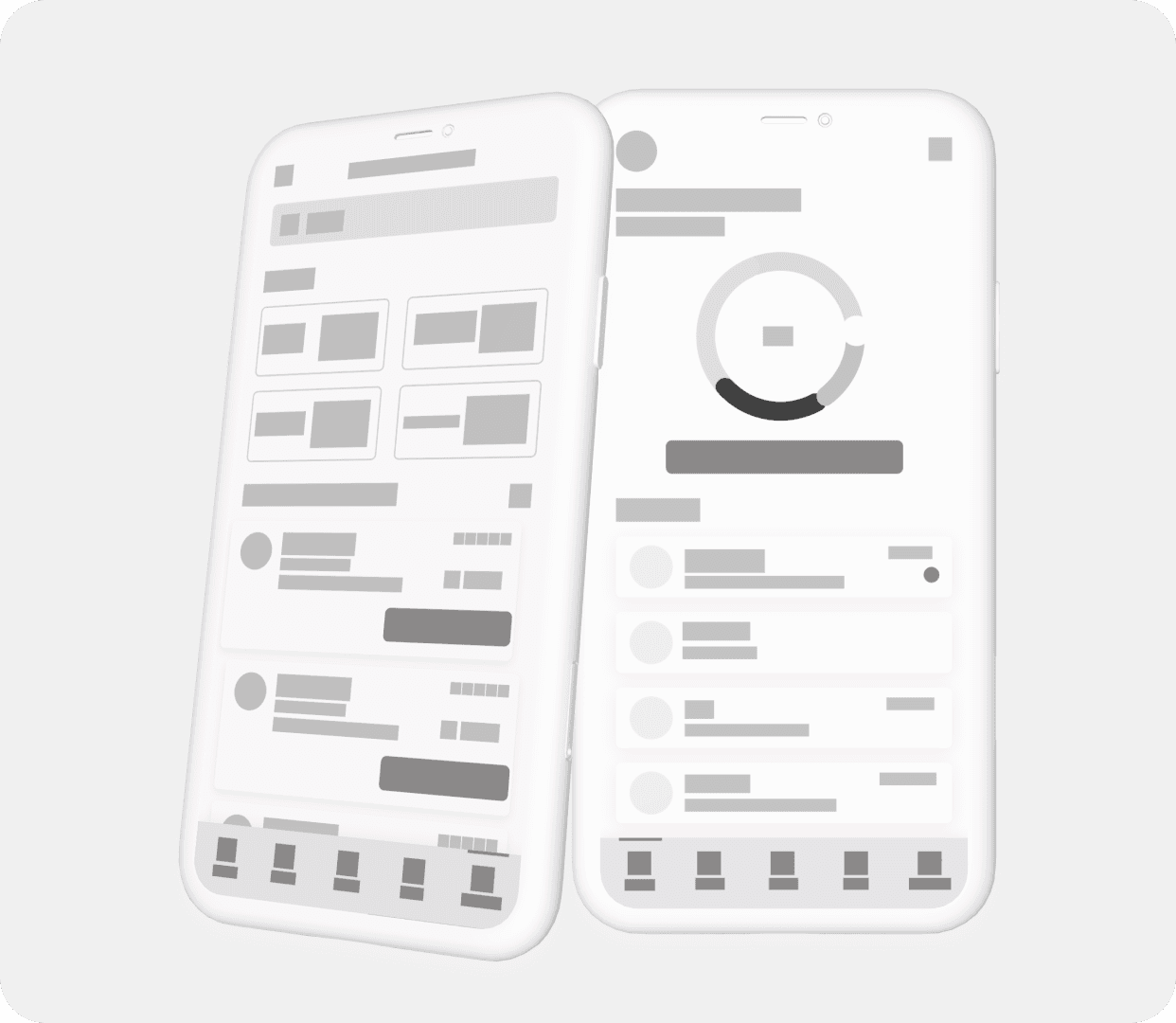
This stage allowed the team to validate structural and layout decisions cheaply before investing in visual polish. Two rounds of internal review using the lo-fi frames surfaced navigation ambiguities in the cycle history and prediction screens, both of which were restructured before moving to high fidelity.

Branding
The visual identity was designed to balance warmth with clinical trustworthiness. A soft, feminine colour palette avoids the cold, utilitarian aesthetic of most medical apps while still feeling credible and considered. Typography was chosen for readability at small sizes, with particular attention to how data- dense screens, cycle history, prediction graphs would read at different brightness levels. All primary colour combinations were validated against WCAG AA contrast standards.


HI-FI Wireframes & Prototype
A prototype of the final app design was created to test and validate ideas before implementation. Protopie was used to develop the interactive prototype.


Dark Theme
A dark theme was designed for a sleek, modern look while ensuring optimal readability. Colour tokens were defined separately for light and dark modes from the outset, ensuring that the contrast ratios, information hierarchy, and emotional tone of the interface held consistently across both. This also established the foundation for a design system capable of supporting future theme variations without requiring screen-by-screen redesign.

Feedbacks
Five participants were recruited for moderated usability testing. Each session followed a task-based protocol: participants were given specific scenarios to complete using the ProtoPie prototype without guidance, allowing the team to observe where they hesitated, backtracked, or expressed confusion. Post-task feedback was collected via a structured Google Form covering task difficulty, clarity of information, and overall confidence in the app's predictions.
POSITIVE USER FEEDBACKS
The application is colorful and easy to use.
Loved the blog section — I didn't expect it to be that useful.
NEGATIVE USER FEEDBACKS
I was confused by the cycle history — I couldn't tell what the different colours meant.
The prediction graph wasn't clear to me. I didn't know if it was showing the past or the future.
I didn't understand the purpose of the monthly calendar view — how is it different from the main tracking screen?
The login and sign-up buttons weren't tappable in the prototype.
Testing surfaced a consistent comprehension gap around the cycle history and prediction screens, users understood that data was being shown, but couldn't interpret what it meant or how to act on it. The iteration focused on three changes: adding a visible legend to the cycle history colour system, reframing the prediction graph with a clear past/future axis label, and differentiating the monthly calendar view with a distinct label and entry point so its purpose was unambiguous before users tapped into it.

Observations
Users understood that the cycle history screen was showing them data. What they couldn't determine was what to do with it. The colour coding, the graph axis, the calendar view each made sense in isolation but didn't form a coherent story. The fix wasn't more information it was better labelling, a visible legend, and a clearer visual distinction between what has happened and what is predicted.
This was the most important usability lesson from the project: interpretability is not a UX writing problem. It's an information architecture problem.
Learnings
Research methodology matters more than research volume. We ran surveys and interviews in parallel and cross-referenced them. The single most useful finding that users felt anxious when predictions were wrong, not merely inconvenienced only emerged from the interview protocol. A survey alone would have missed it. Building in a qualitative layer from the start was the right call.
Stated behaviour and actual behaviour diverge significantly in health apps. Several participants described themselves as regular app users in the survey. Interviews revealed they'd abandoned their last app after a few weeks. Designing for what users say they do, rather than what they actually do, would have produced completely wrong solutions.
In sensitive health contexts, transparency is a product feature. Showing users how a prediction was calculated isn't a "nice to have" it's a trust mechanism. Users who understood the prediction logic tolerated inaccuracies. Users who didn't understand it abandoned the app.
Future Scope
Further research and testing will explore replacing binary "yes/no" symptom predictions with percentage-based predictions. Reactions have been mixed, with some users finding it off-putting while others appreciate the added nuance.
To address gaps in research, insights from users not previously involved such as high-level athletes, transgender women, and young teens could provide fresh perspectives and enhance the analysis.
To bridge research gaps, gathering insights from underrepresented users such as high-level athletes, transgender women, and young teens can offer fresh perspectives and enrich the analysis.